Personalized name signs, bookmarks and plates to 3D print
You want something with a name on it: a door sign, a gift for a teacher, a plate for a desk. You are in the right place. Pick a shape, type the name, choose the colors, and download a file ready to print.
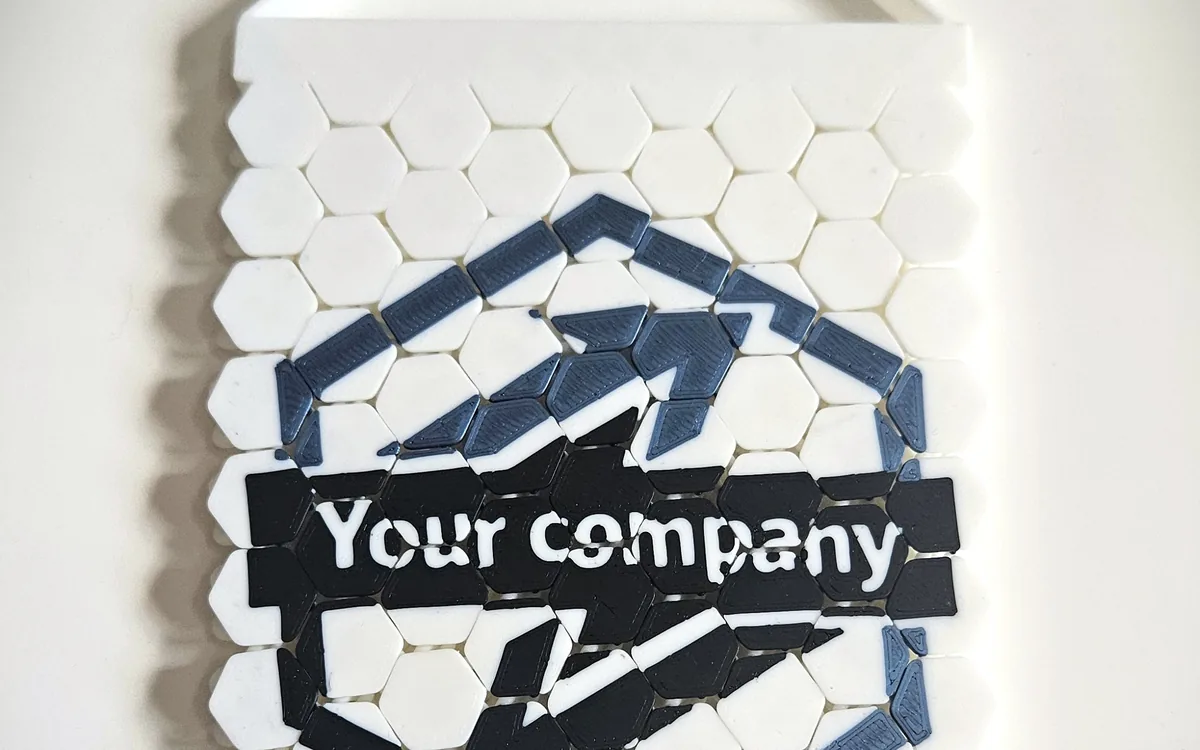
Three easy projects
- A name plate. The "Business card or custom plate" template is a solid rectangle with the size and rounded corners you set.
- A bookmark with a name. "Simple bookmark" has rounded corners and an optional cord hole.
- A hanging sign. "Hanging sign" takes zero, one or two holes, so you can hang it from a door handle or a wall hook.
How to personalize a sign
- Choose the template and enter the dimensions in millimeters. Turn on the rounded corners if you want a softer shape.
- Type the text. Add a text, then pick the font. Write the name, a word, or a short phrase.
- Set the colors. One color for the plate, another for the letters. Keep strong contrast so the name reads from a distance.
- Place and size the text. You position it yourself, so check the preview to see that it sits where you want.
- Add a small logo or shape if you like: a star, a circle, or an image.
- Download the 3MF or the STL files.
Watch the 1-minute video · Open the name plate →
Or begin with the bookmark or the hanging sign.
Make it readable
Letters are the thin part of a name sign. A printer cannot print a line thinner than its nozzle, so very light fonts may disappear. The editor warns you about lines that are too thin. When it does, choose a bolder font or increase the text size.
Make several at once
For a class or a group, create one design, save the project as a file, and reload it. Change the name, then download again. Each person gets their own sign.
Questions
Can I print one as a gift? Yes. The licence allows printing for yourself or to give away.
How many letters fit? It depends on the size you set and the font. Resize the plate, or reduce the text size, until everything fits in the preview.
Do I need a vector logo? No. SVG, PNG and JPEG all work.