Use cases: how to use makerito for your project
Each guide below shows how to use makerito for one kind of project, step by step, from the template to the file you download.
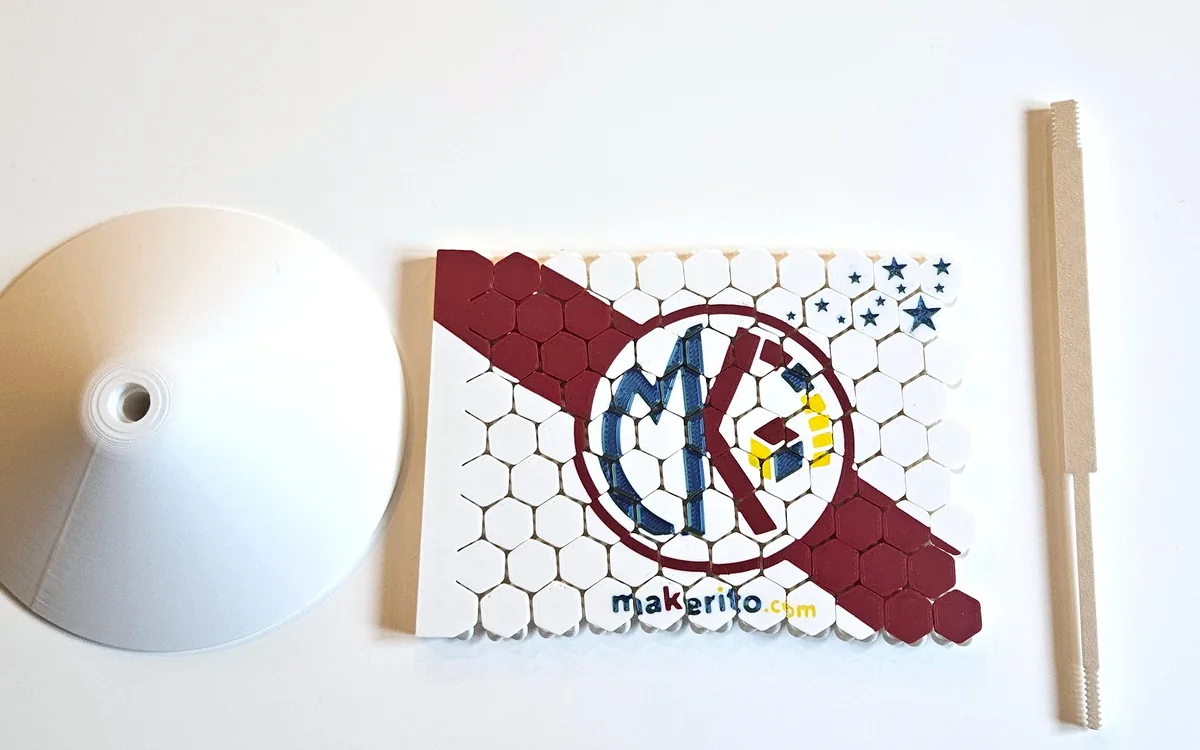
Multicolor 3D printing without CAD
Make a multicolor 3MF from a template and your own logo, with no modeling skills.
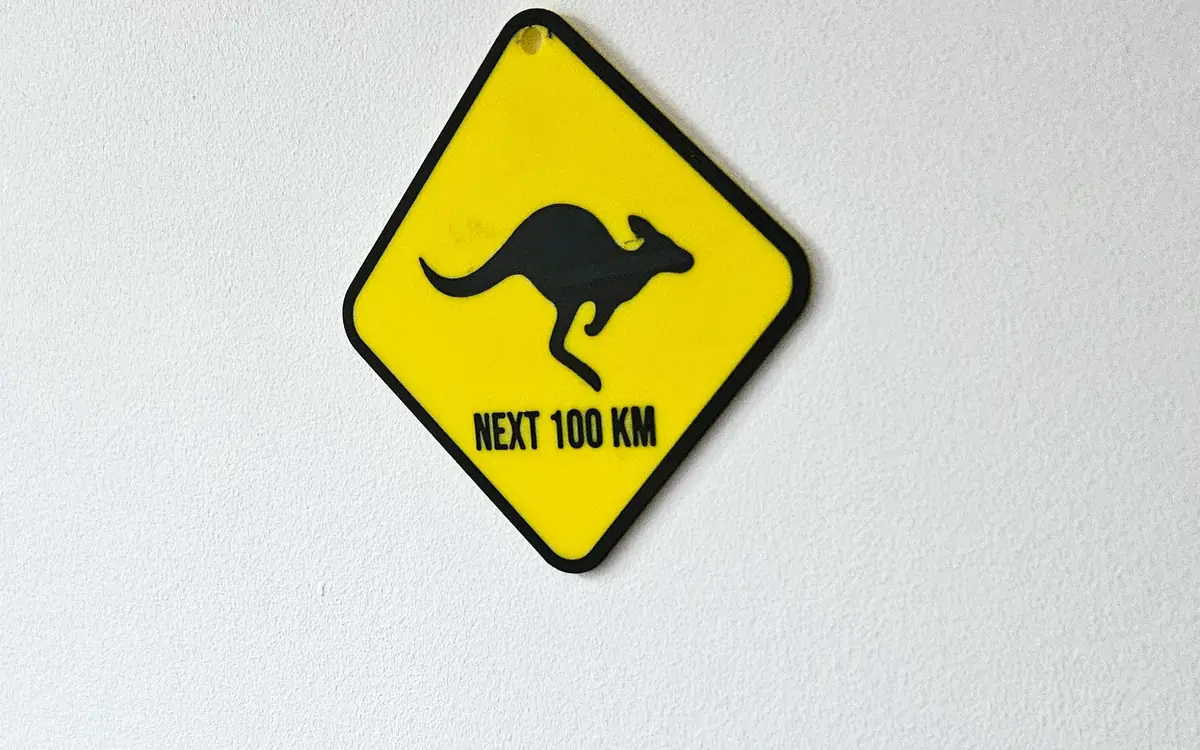
Multicolor prints for Bambu Lab AMS
Match your colors to your spools and open the 3MF in Bambu Studio.
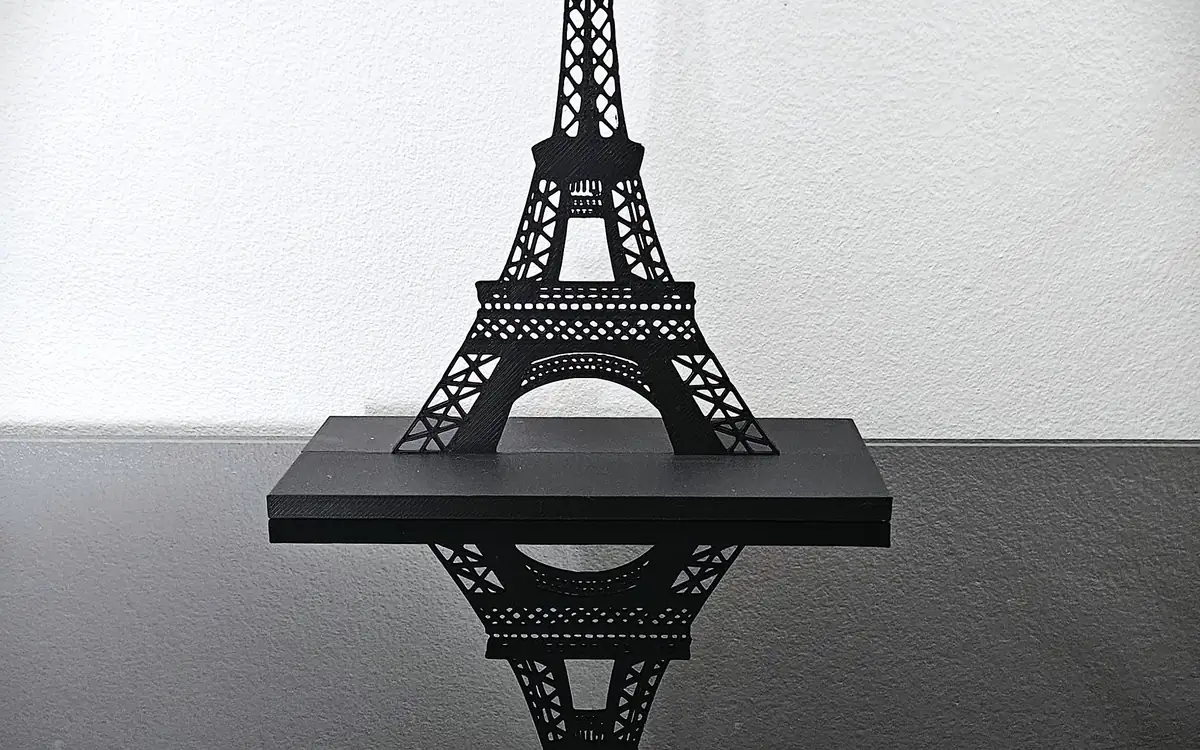
Geek gifts and desk decor
Turn pixel art or a doodle into a bookend, a desk figure or a sign.
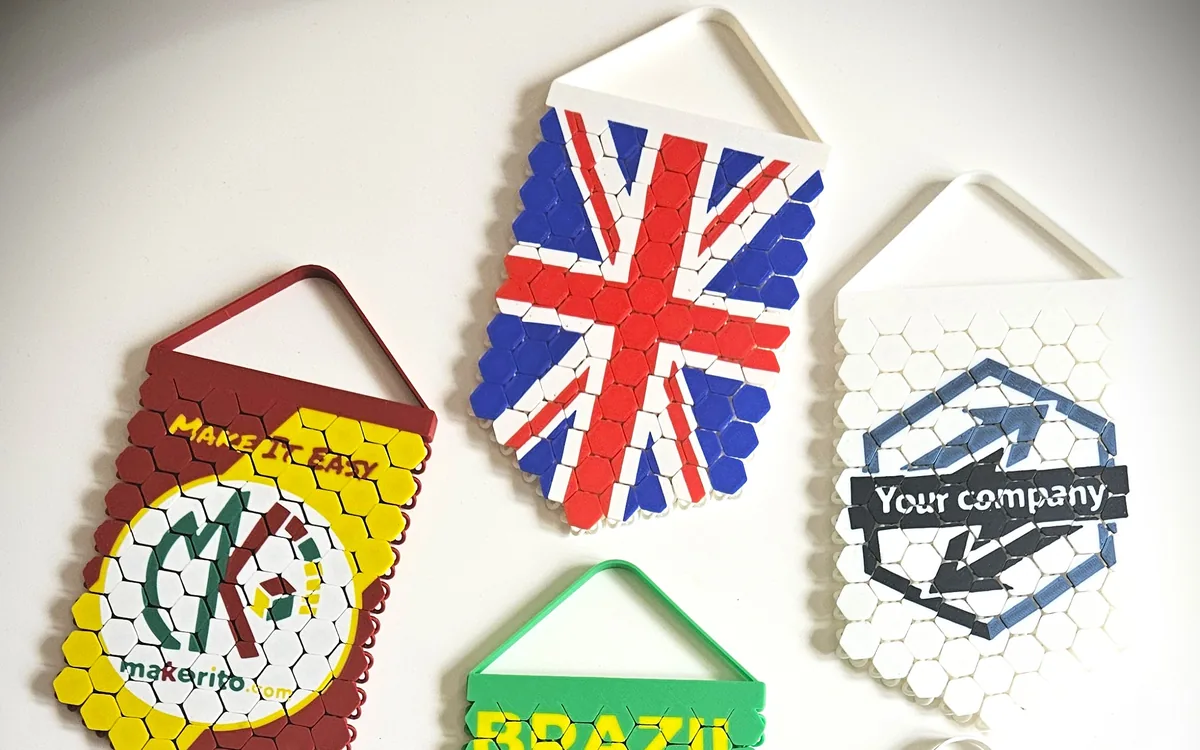
Sports pennants and team flags
Put your club crest and colors on a printable pennant or a desk flag.
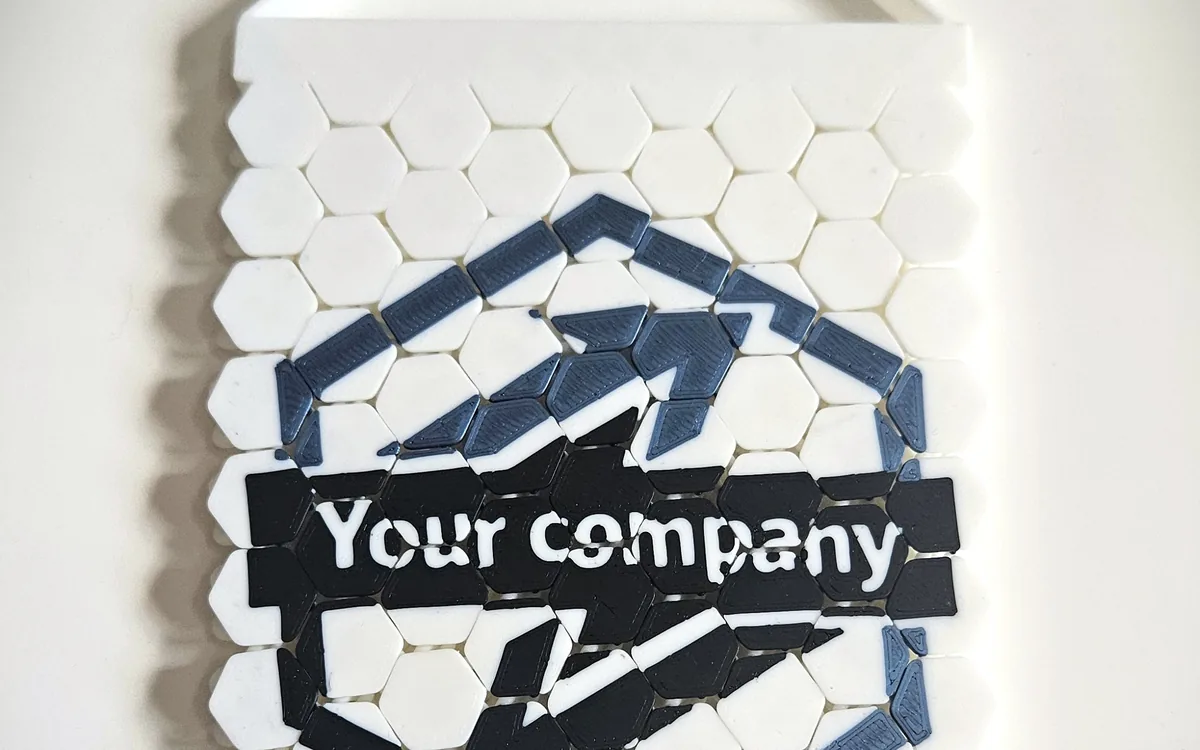
Personalized name signs, bookmarks and plates
Type a name, pick colors, and print a sign, a bookmark or a plate.
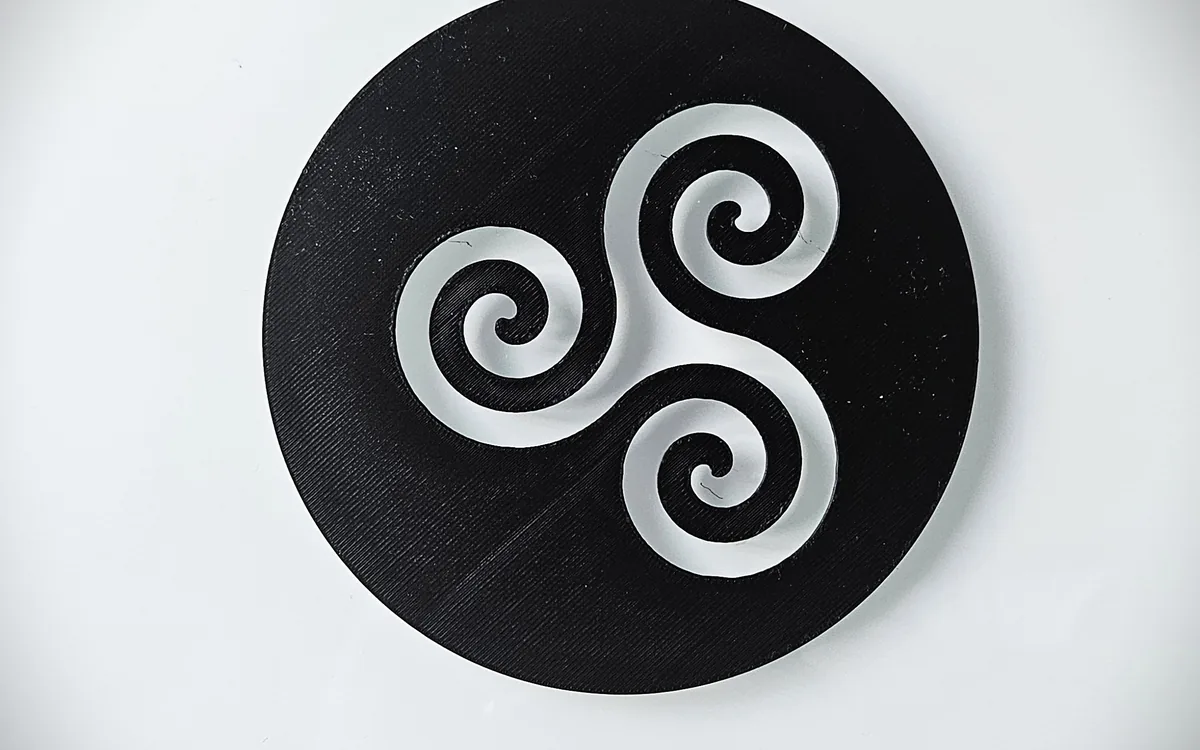
Craft projects
Print framed canvases and cut-out wall art, then finish them by hand.
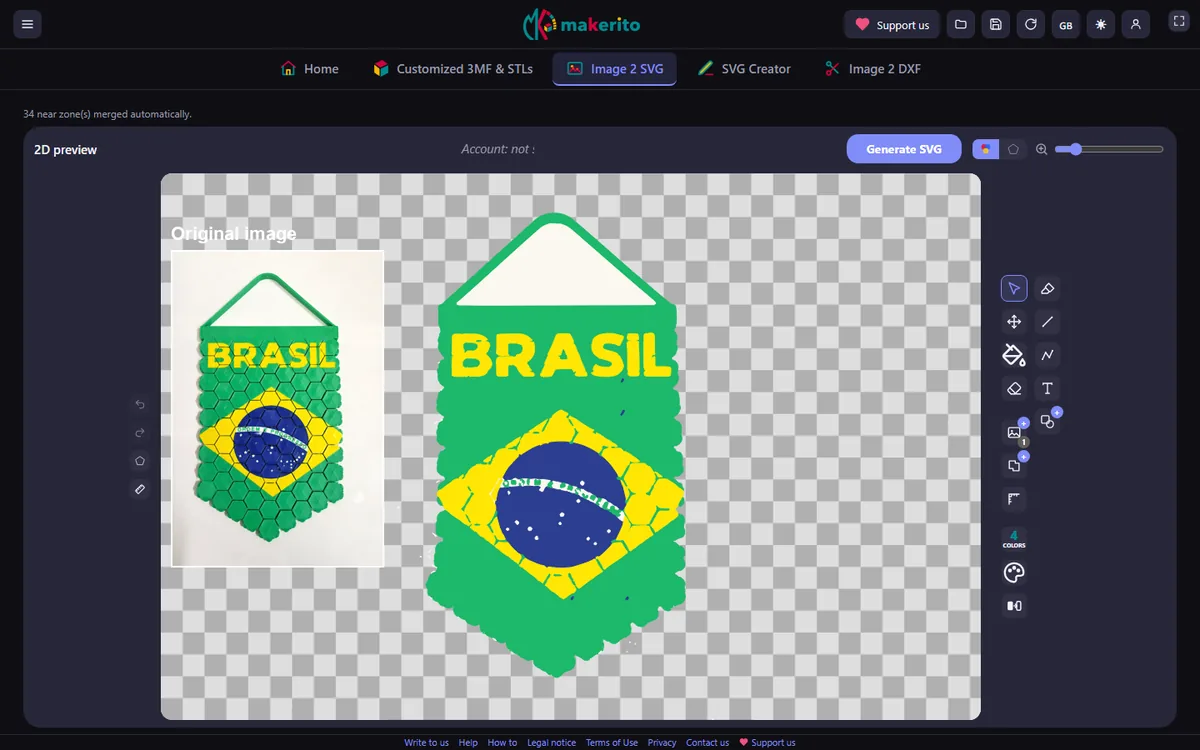
Image to SVG
Convert a PNG or JPEG into a vector made of flat colors.
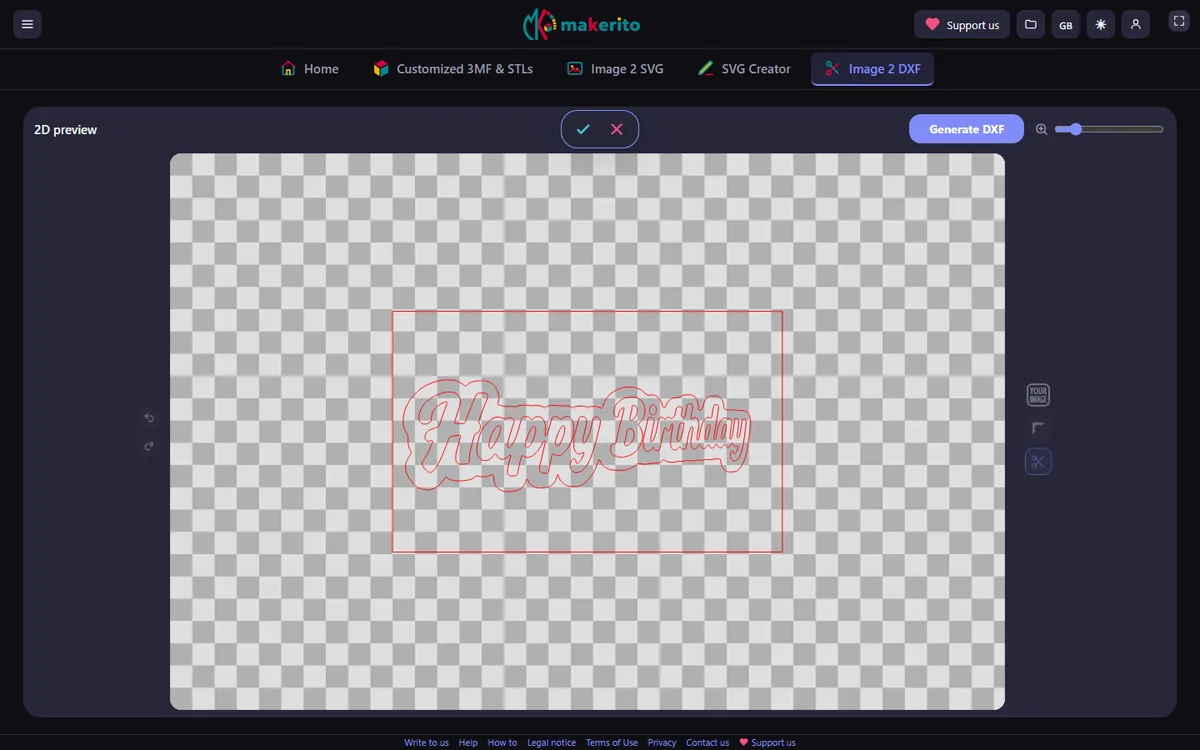
SVG and DXF files for cutting machines
Prepare outlines for Silhouette Studio, vinyl, flex film and laser work.
Fan art and anime-style decor
Turn your own drawing into a stand-up figure or a framed picture.

Birthday and party decorations
Make name pennants, welcome signs and wall pieces in the colors of the day.
How makerito works
Want to know what happens behind a tool? These guides explain one tool at a time, with examples.
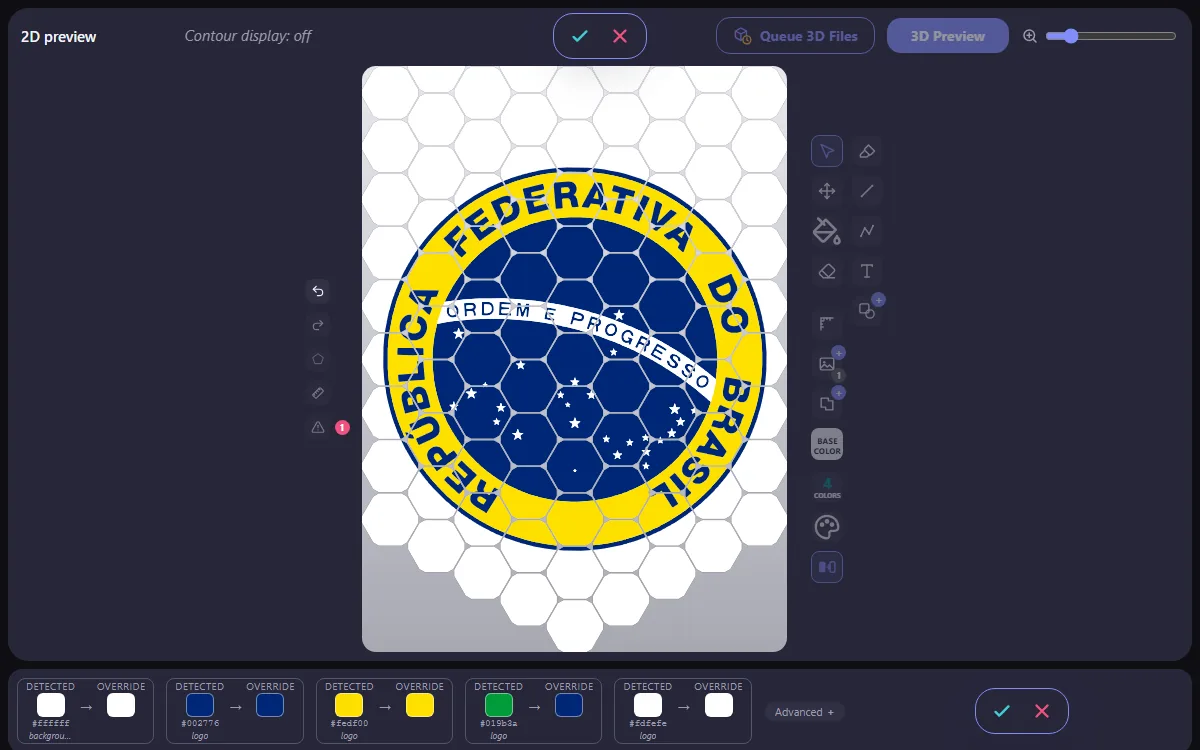
How makerito picks filament colors: palette and override
See how colors are detected, which ones are kept for your filaments, and how to choose each one yourself.
makerito is an independent tool, not affiliated with Bambu Lab.