Multicolor prints for Bambu Lab AMS — 3MF for Bambu Studio
You have an AMS and want to print a sign, a pennant or a bookmark in several colors, with your own logo or text. You are in the right place. With makerito, you do it in your browser, in a few minutes, with no CAD.
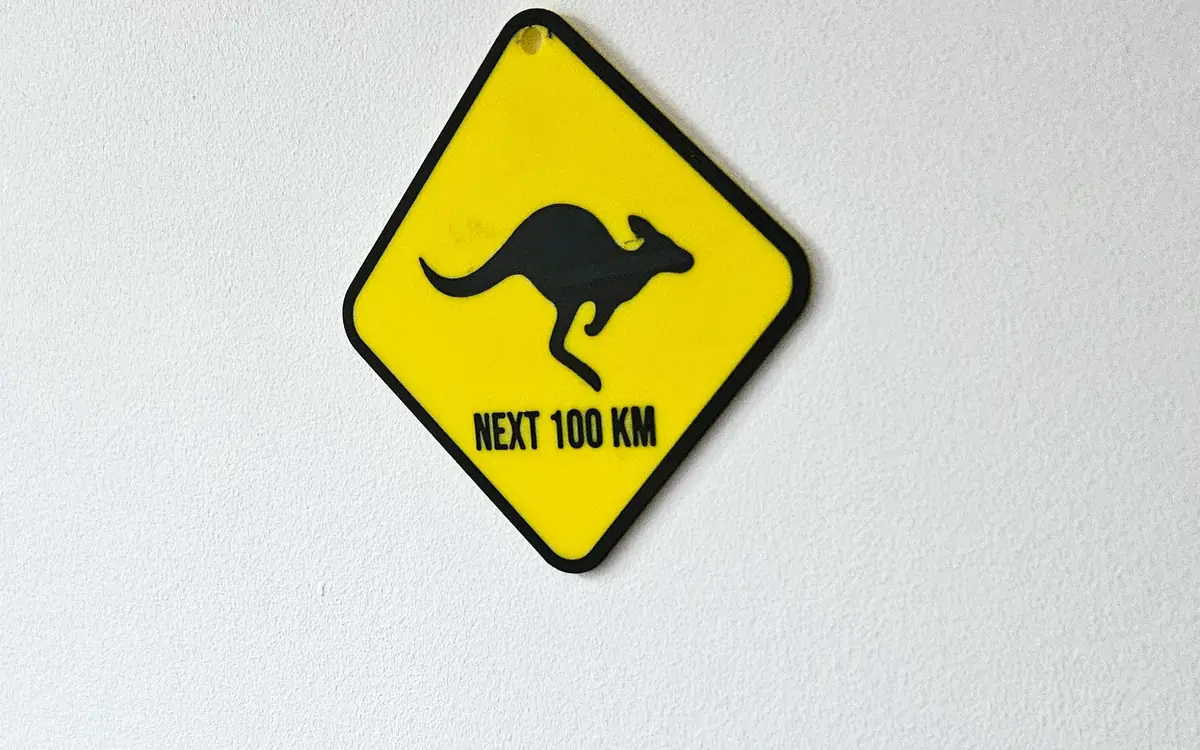
Things to print with your AMS
- A hanging sign with your logo in three colors on a colored base, using the "Hanging sign" template with one or two holes.
- A flag on its mast. The "Flag" template comes with a mast and a base, which land in the 3MF on their own plate.
- A set of bookmarks. Same design, different colors, one file per variant. Load each into your slicer and print a batch.
How to do it, with an AMS in mind
- Pick a template that fits your printer bed. Set the size in millimeters.
- Add your design. Upload a logo as SVG, PNG or JPEG, or type a text and choose a font.
- Match the colors to your spools. The "Max selected" setting is the number of filaments printed together. It starts at 4, the number of slots in one AMS unit, and you can change it. Replace any detected color with the one of the spool you plan to load.
- Check the 2D and 3D views. The 3MF you get is the model you saw.
- Download the 3MF and open it in Bambu Studio.
- Slice and print. In Bambu Studio, check the filament list and set the real color of each slot.
Watch the 1-minute video · Start with the hanging sign →
Why a 3MF, not an STL?
An STL has no colors. You would have to split and paint the model yourself in the slicer. The 3MF from makerito already separates each color into its own part, and each part is assigned to a filament slot. The AMS then knows which filament belongs to which part.
Keep in mind that the slot assignment is what the file carries. The colors you chose in the editor guide your design; the real color on the print is whatever filament sits in the slot. Set the slot colors in Bambu Studio to see the result before you slice.
Fewer colors, fewer swaps
Every extra color means more filament changes and more waste. If a design uses six colors, try merging the two closest ones in the palette. A bolder, simpler palette often looks better on a small print anyway. The palette and override guide shows how to match each color to a spool.
Questions
Do I need to know CAD? No. You only choose, type and click.
Which printers? The 3MF is made for Bambu Studio. The STL files work with any slicer, one file per color.
What if I have no AMS? You can still print the model, and swap filament by hand at the right layers in your slicer.
makerito is an independent tool, not affiliated with Bambu Lab.