Fan art and anime-style decor to 3D print — your own design
You like drawing in an anime-style, or you make fan art for a world you love, and you want to turn a drawing into something you can hold. You are in the right place. This guide shows how to take your own drawing and make a stand-up figure or a framed picture with makerito.
A word on what to draw
Use your own drawing, or artwork you have the right to use. makerito is a tool for your designs: it does not ship characters or logos from anyone else's work, and the licence on a model is personal and non-commercial. Draw an original character, a mascot, a pet, or a scene in your favorite style.
Two good formats
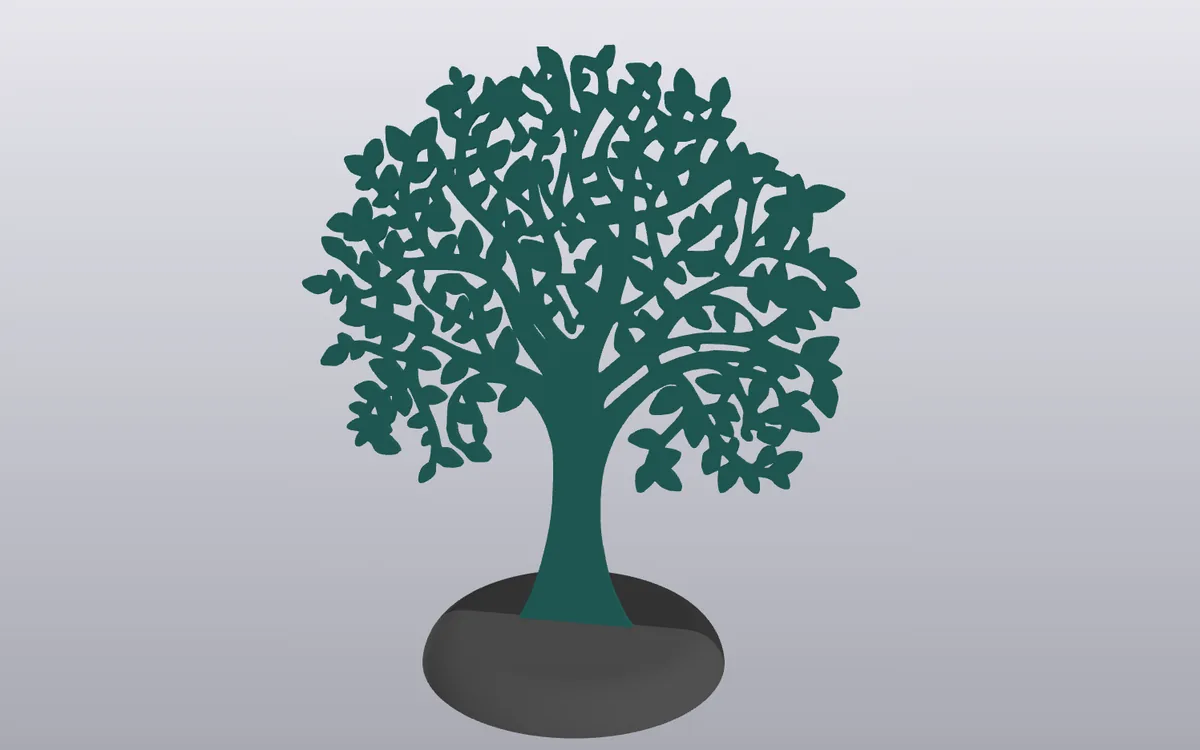
- A standing silhouette. "Silhouette on support" is a two-piece interlocking rounded support. You draw the figure standing on it, and it is welded to the base. A rectangular version exists too.
- A framed picture. "Canvas and frame" holds your drawing in a frame, like a small piece of wall art.
How to turn a drawing into a figure
- Prepare the drawing. Scan it or export it from your drawing app as a PNG or a JPEG, with a plain background. Bold outlines and flat colors work best, the way many anime-style illustrations are made.
- Open "Silhouette on support" and set the dimensions you want.
- Load the picture. The editor converts a PNG or JPEG to SVG as soon as you drop it. If you want to control the process, run the image to SVG tool first, then load the SVG.
- Cut the silhouette. Trace the outline by hand, and make the background zones transparent so they are left out of the print. Keep thin arms and hair strands thick enough to survive.
- Choose the colors. The editor detects the colors of your drawing and keeps four by default. Merge similar skin tones, hair shades and shadows.
- Preview, then download. Check the figure from all sides in 3D, then get the 3MF.
Watch the 1-minute video · Open the silhouette stand →
For a picture on the wall, start with the framed canvas.
Why drawings need a little simplifying
Shading, gradients and soft brush strokes make dozens of tiny areas, and a printer works in flat layers of a few colors. If your drawing has smooth shading, repaint it with two or three flat tones, or reduce the palette in the editor. You can also choose which filament prints each tone: see palette and override. The 3D print will look like a bold sticker, which is part of the charm.
Questions
Can I print a character from a series I love? Make your own version. Do not use pictures that you do not have the right to use, and do not sell the printed objects.
What if the drawing has a white background? Use a PNG with a transparent background if you can, or remove the background first, so the figure is the only shape.
Can I make a cut-out version too? Yes. See the cutting files guide.