Multicolor 3D printing without CAD — free 3MF editor
You want a print in several colors, and you do not want to learn CAD, or split a model into parts by hand. You are in the right place: makerito turns a template, a logo and a few clicks into a multicolor 3MF, right in your browser.
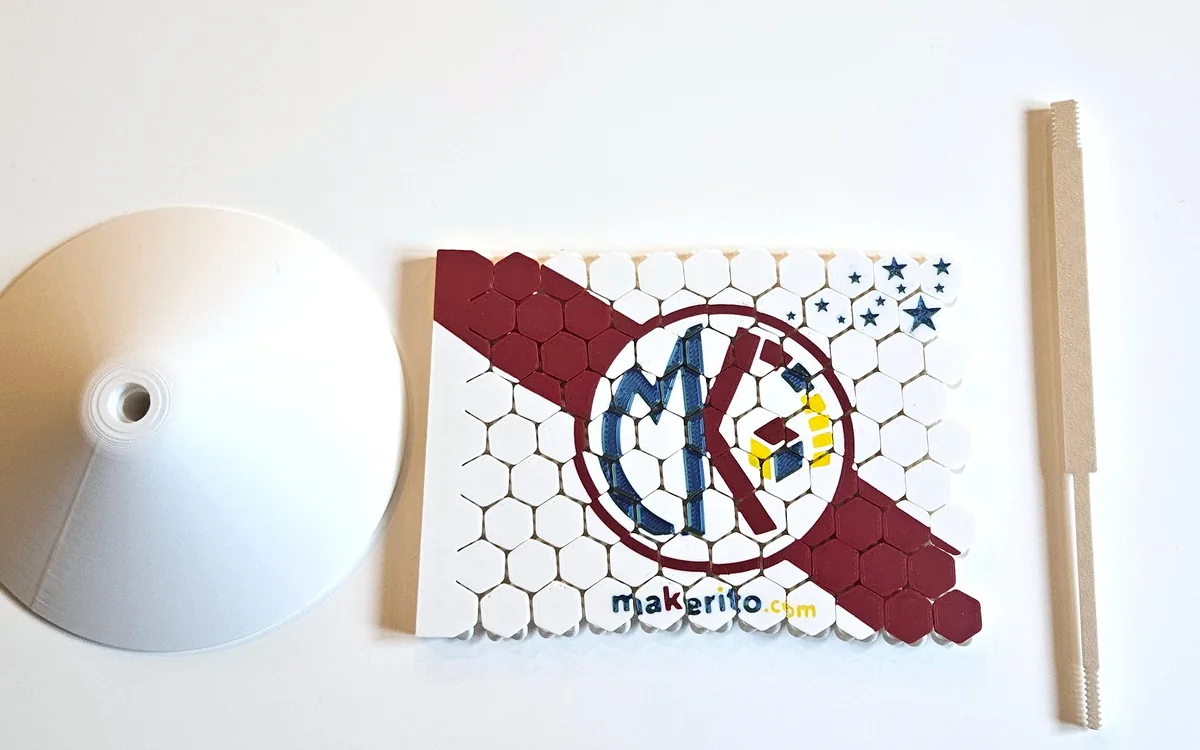
What you can make
- A color logo on a plate. Drop your logo on the "Business card or custom plate" template and get a flat, colorful plaque for a desk or a shelf.
- A pennant or a flag. Add stripes, circles or stars from the shape tools, then set a color for each one.
- Something from nothing. The "Start from scratch" template gives you an empty area: the printed object is exactly what you add, and each color goes right through the thickness.
How to do it
- Choose a template in the catalog. Most can be resized: set the width and height you need before anything else.
- Bring your artwork. The editor takes an SVG, a PNG or a JPEG as the logo. Raster images are vectorized for you. You can also type a text, pick a font, and place it where you want.
- Add shapes if you like. Bands, circles, squares, rectangles and stars can sit behind or in front of the logo, each with its own color.
- Decide how many colors to keep. The editor detects the colors in your design, then keeps a few of them. The default is 4, and you can change that number to match the filaments you can load. Merge or replace colors until the palette suits you. To see how the editor picks those colors, read how the palette and the override work.
- Check the preview. Look at the 2D view, then at the 3D view. The file you download is the one you saw. If the editor warns about lines that are too thin, enlarge the model or thicken the drawing.
- Download your files.
Watch the 1-minute video · Start with the plate template →
What you get: 3MF or STL
You can download one STL per color, or a single 3MF. In the 3MF, each color is its own part, already assigned to a filament slot. That is what a slicer needs to print several colors without you painting the model by hand. An STL on its own has no color information, which is why the per-color STL files exist: you load them one by one in a slicer that handles multiple files.
When a template comes with extra pieces, such as a mast and a base, they go in the same 3MF on a separate build plate, ready to print on their own.
Which printer?
Any filament printer can print a single color. For several colors you need a way to change filament: a multi-filament system, or a manual swap between layers. The 3MF is made for Bambu Studio; see the Bambu Lab AMS guide for that route.
Questions
Do I need to know CAD? No. You choose a template, import a design, pick colors, and download.
Can I come back to my design later? Yes. You can save your project as a file and load it again, to continue where you stopped.
My image is a photo. Will that work? A sharp logo with solid colors works best. Photos create many tiny areas. If you only need a clean vector first, try the image to SVG guide.
makerito is an independent tool, not affiliated with Bambu Lab.