Craft projects: 3D print, cut, paint — one free editor
You make things by hand, and you would like a printed base, a frame or a cut-out shape to work from. You are in the right place: the same editor gives you printable wall art, framed canvases and clean vector files, so you can mix printing, cutting and painting in one project.
Projects to start with
- A framed canvas. "Canvas and frame" is a rectangular canvas mounted in a frame, with dimensions you set. Print your design, then add hand-painted touches on top.
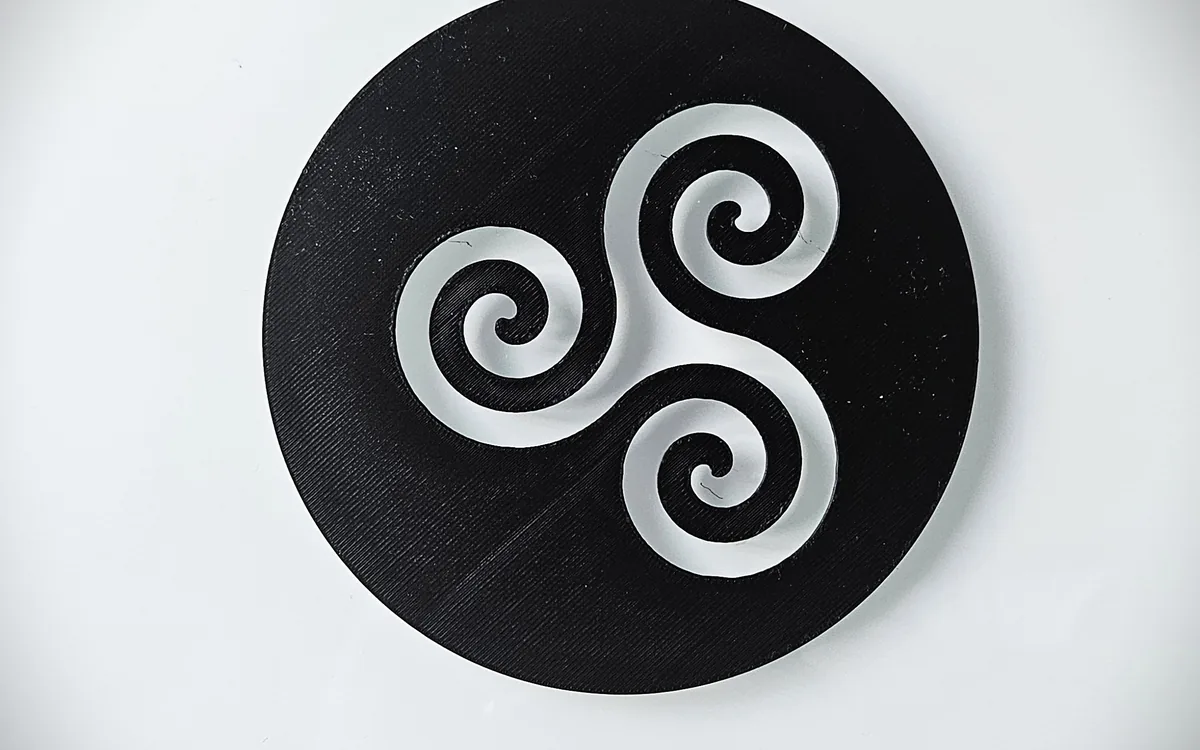
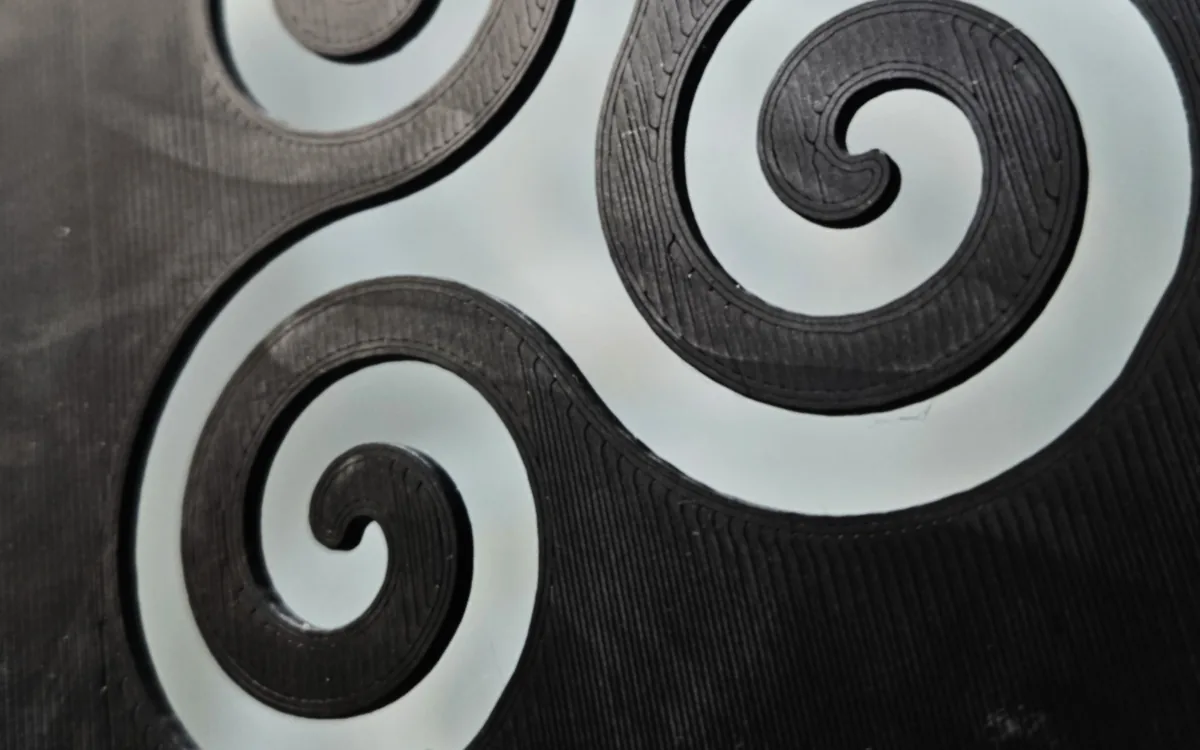
- Silhouette wall art. On "Silhouette wall art" you cut the outline yourself, and each transparent zone becomes a hole in the print. The result is a lace-like panel to hang against a window or a painted wall.
- An oval panel. The "Oval silhouette wall art" template works the same way on an oval, or on a circle when width and height are equal.
How to make a framed canvas
- Open "Canvas and frame" and enter the width and height in millimeters. The frame is a separate piece in the file.
- Place your artwork. Import an SVG, a PNG or a JPEG: a flower, a map outline, a lettered quote. Resize and move it.
- Add a background. Choose a base color, or load a second SVG as a decorative backdrop behind your main design.
- Pick a few colors. Keep to the colors you have in filament. The default is four, and you can change it.
- Check the preview. Turn the 3D view and look for fine lines that might not print.
- Download the 3MF. The frame is an extra piece: it comes in the same 3MF, on its own plate, ready to print next to the canvas.
Watch the 1-minute video · Start with the framed canvas →
Cutting out the panel
For the lace-like wall art, the trick is to think in solid and empty. Anything transparent vanishes from the print, so leave enough solid material between the holes for the panel to hold together. The editor warns you about lines that are too thin; take that as a sign to thicken a link.
Try the oval version for a round window feel, or the rectangular canvas for a classic panel.
Cut files for other tools
If you also own a cutting machine, the same design can become a flat vector file. The guide to SVG and DXF cutting files explains how, and the image to SVG guide covers the step before it.
Questions
Can I paint the print afterwards? Yes, it is a normal printed object. Choose a paint that suits your filament.
Do I need to draw the design myself? No. Use any image you have the right to use. Simple shapes with solid colors work best.
Can I use fewer colors? Yes. Merge colors in the palette until you are down to the filaments you want to use. The details are in the palette guide.