Birthday and party decorations to 3D print, with names and colors
A birthday, a baby shower or a wedding is coming, and you would like decor that carries a name, an age or the colors of the day. You are in the right place: here is how to make printed pennants, signs and wall pieces, and have them ready before the party.
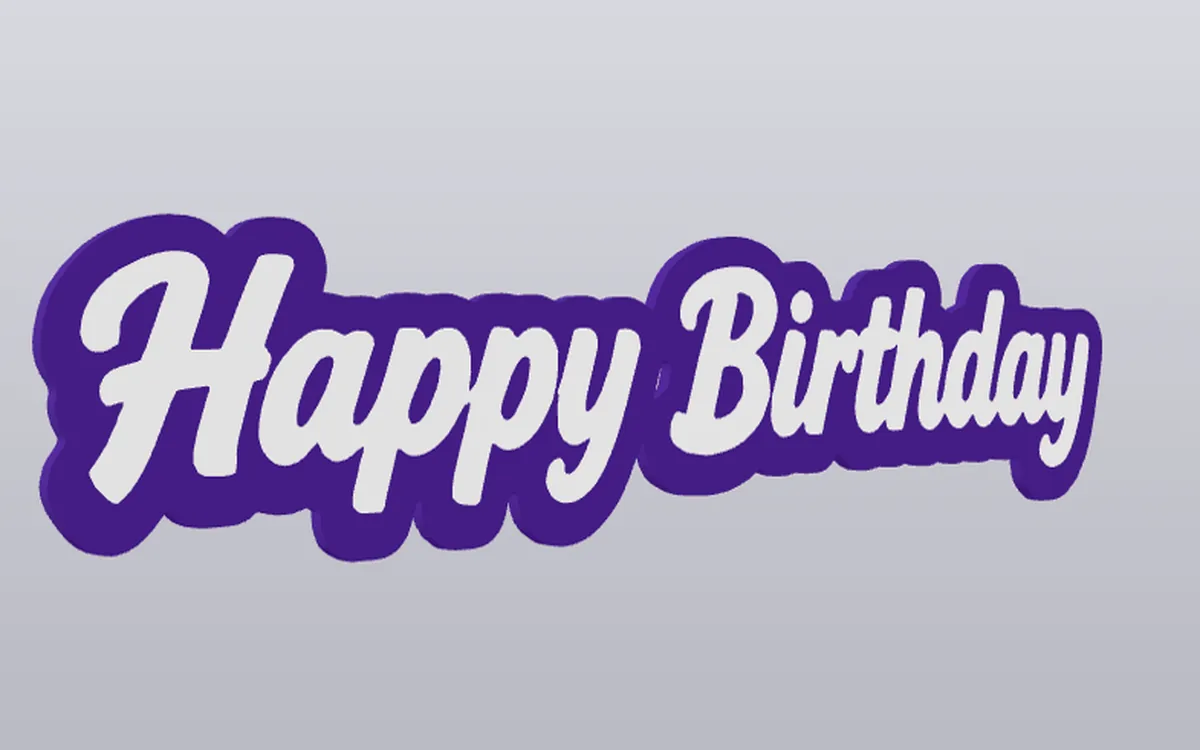
Decor you can print
- A name pennant. Use the "Banner / Pennant" template, add the name and a few stars or circles, and print several in different colors to make a garland.
- A welcome sign. Pick "Hanging sign" with two holes, so a ribbon can hold it on a door.
- A table or wall piece. "Silhouette wall art" is a canvas whose outline you cut yourself, good for a number or a shape that fits the theme.
How to make a birthday pennant
- Open the pennant template and choose a size. Small ones suit a cake table, bigger ones a wall.
- Set the party colors. Pick a background color first, then add bands, circles, squares or stars in the shades of your theme.
- Add the name or the age. Type a text, choose a rounded, playful font, and make it big. Move it to the center of the pennant.
- Keep it simple. Two or three colors are enough. Each color needs a filament, and each swap takes time on a long print job.
- Check the previews. The 2D view is quick; the 3D view shows the real print.
- Download and repeat. Change the color or the text, and download a new file for each pennant in the garland.
How does it work? 1-minute video · Begin with a party pennant →
Prefer a sign? Begin with the hanging sign. For a bigger wall piece, use the silhouette wall art.
Plan the timeline
A multi-color print takes longer than a one-color one. Do the design first, and print the largest or most important piece early. Make small extras, such as a name tag, at the end, since they go quickly. Allow time to test one pennant before you print the whole garland.
A gift from the party
Once the party is over, the same design can become a gift: a pennant with the name of the guest of honor makes a good keepsake. You can print it for yourself or to give away. Selling printed objects is not allowed under the licence.
Questions
How early should I start? Start a few days before, because several prints at a few hours each add up.
Can I put a photo on it? A flat, high-contrast image works. A regular photo has too many shades, so simplify it first, as described in the image to SVG guide.
Can I reuse a design? Yes. Save the project as a file, and load it again next year with a new name.